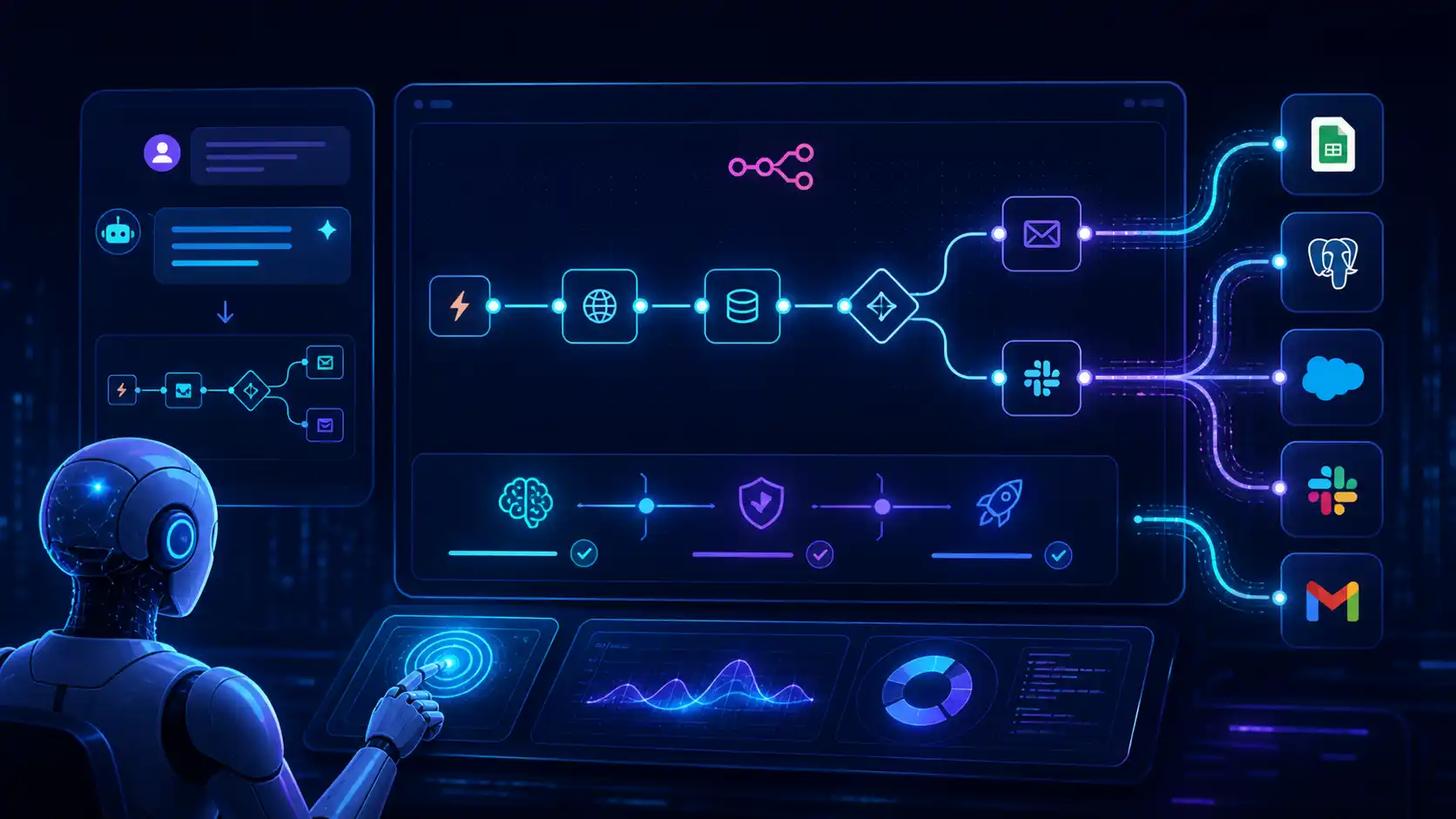
n8n MCP Server Workflow Automation in 2026 received a critical update: AI can now not only trigger existing workflows but also create new ones, update current ones, and independently fix errors during the building process. For businesses, this means a significantly faster path from a simple idea to a fully functional automation.
The official announcement from n8n shows that the n8n MCP Server Workflow Automation is evolving from a simple execution interface into a full-fledged bridge between an AI client and your n8n infrastructure. Below, we analyze exactly what has changed, why it matters, and how it impacts the automation of business processes.
What Exactly Changed in the n8n MCP Server Workflow Automation
Previously, the MCP server in n8n allowed AI clients to interact only with existing workflows. After the update, the situation has shifted: the model can now create new scenarios from scratch, modify existing workflows, verify them, run test executions, and attempt to fix errors autonomously.
Simply put, the user describes the task in plain language, and the AI, paired with the n8n MCP Server Workflow Automation, completes the full cycle: generation $\rightarrow$ validation $\rightarrow$ testing $\rightarrow$ correction $\rightarrow$ finished workflow.
Why This Is Crucial for Business
For companies, this means a serious reduction in the time between ideation and implementation. If previously it was necessary to separately design a scenario, assemble JSON, find errors, copy them into a chat, and go back, a significant portion of this routine is now shifted into a single AI dialogue.
The main advantages of this approach include:
- faster workflow creation from a text prompt;
- less manual work with configurations;
- accelerated testing and validation of scenarios;
- convenient iteration without constant error copying;
- a lower entry barrier for those just starting with n8n.
This is especially interesting for businesses that actively build automation on n8n and want to launch new processes more quickly.
How the New Interaction Scenario Works
According to the announcement, the typical logic looks like this:
- The user describes which workflow needs to be created.
- AI generates the scenario in n8n.
- The system verifies its validity.
- If there are errors, the AI attempts to fix them.
- After that, the workflow is run as a test.
- In case of failure, the AI reads the feedback, modifies the scenario, and tries again.
This makes the n8n MCP Server Workflow Automation not just an access channel, but part of a new way of developing automations through natural language.
Compatible AI Clients
n8n explicitly states that this approach works with popular clients that support MCP. Mentioned options include Claude, ChatGPT, Cursor, Windsurf, and other compatible tools.
This means a company doesn’t need to switch to a new separate product: if the team already works with an AI client that “speaks” via MCP, it can be linked to the n8n MCP Server Workflow Automation to build workflows in a familiar environment.
Key Details About the Update
The n8n material highlights several important nuances:
- this refers specifically to the built-in MCP Server in n8n, not the MCP Server Trigger node;
- the feature is available for Cloud, Enterprise, and Community Editions;
- for the best experience, n8n version 2.18.4 or newer is recommended;
- the update currently has Public Preview status.
In other words, the technology is already very practical, but the n8n team admits that complex workflows may still require a second or third pass.
Why This Interests More Than Just Developers
The update is important not only for technical specialists. It can significantly simplify life for product managers, operations teams, growth hackers, and business owners who need fast hypothesis testing.
For example, it is now faster to assemble scenarios for:
- lead processing;
- message automation;
- creating daily reports;
- connecting external APIs;
- working with email, CRM, documents, and spreadsheets.
Combined with topics such as AI for document processing or AI personal assistants for entrepreneurs, this opens up even more applied scenarios.
Remaining Limitations
Despite the powerful update, n8n honestly warns about “rough edges.” Some of the most noticeable limitations include:
- the model may overcomplicate the workflow on the first attempt;
- incorrect nodes may be selected if there are several similar options;
- complex branching scenarios may still require manual refinement;
- some platform quirks appear during the building process.
Total “magic” isn’t here yet. But even in its current state, the n8n MCP Server Workflow Automation looks like a very strong step toward more natural and rapid automation.
A Technical Detail Affecting Quality
An architectural point is worth noting: n8n states that the MCP server generates a TypeScript representation of the workflow rather than raw JSON. This is important because such a model reduces the number of errors before anything even hits your instance.
This is why the update feels like a serious technical step toward more reliable AI-assisted workflow building, rather than just a marketing trick.
Conclusion
The n8n MCP Server Workflow Automation, following this new update, becomes one of the most interesting tools at the intersection of AI and automation. It now allows not just triggering scenarios, but effectively building them via natural language, testing and improving them almost in a single cycle.
For business, this means faster automation launches, less manual technical friction, and a new level of interaction with AI clients. If your team already uses n8n or is just considering it, this update is definitely worth following.
Source: official n8n announcement — n8n’s MCP server can now build workflows. Additionally: official setup guide.